Harp
Formatter · Syntax highlighting · 12 dark minimal themes · File icons
An independent, zero-dependency VS Code extension for HCL — built to scale to more languages.
What’s inside
| 🪕 Formatter | .hcl files formatted to canonical terraform fmt style — a faithful port of HashiCorp’s own algorithm, verified byte-identical on 2100+ real-world files. |
| 🎨 Highlighting | Self-contained TextMate grammar for HCL (source.hcl). |
| 🌒 12 themes | Dark, low-contrast, monochrome-leaning — one living accent per theme. |
| ▪️ File icons | «harp — minimal icons»: one tiny square per item, color is the only signal. |
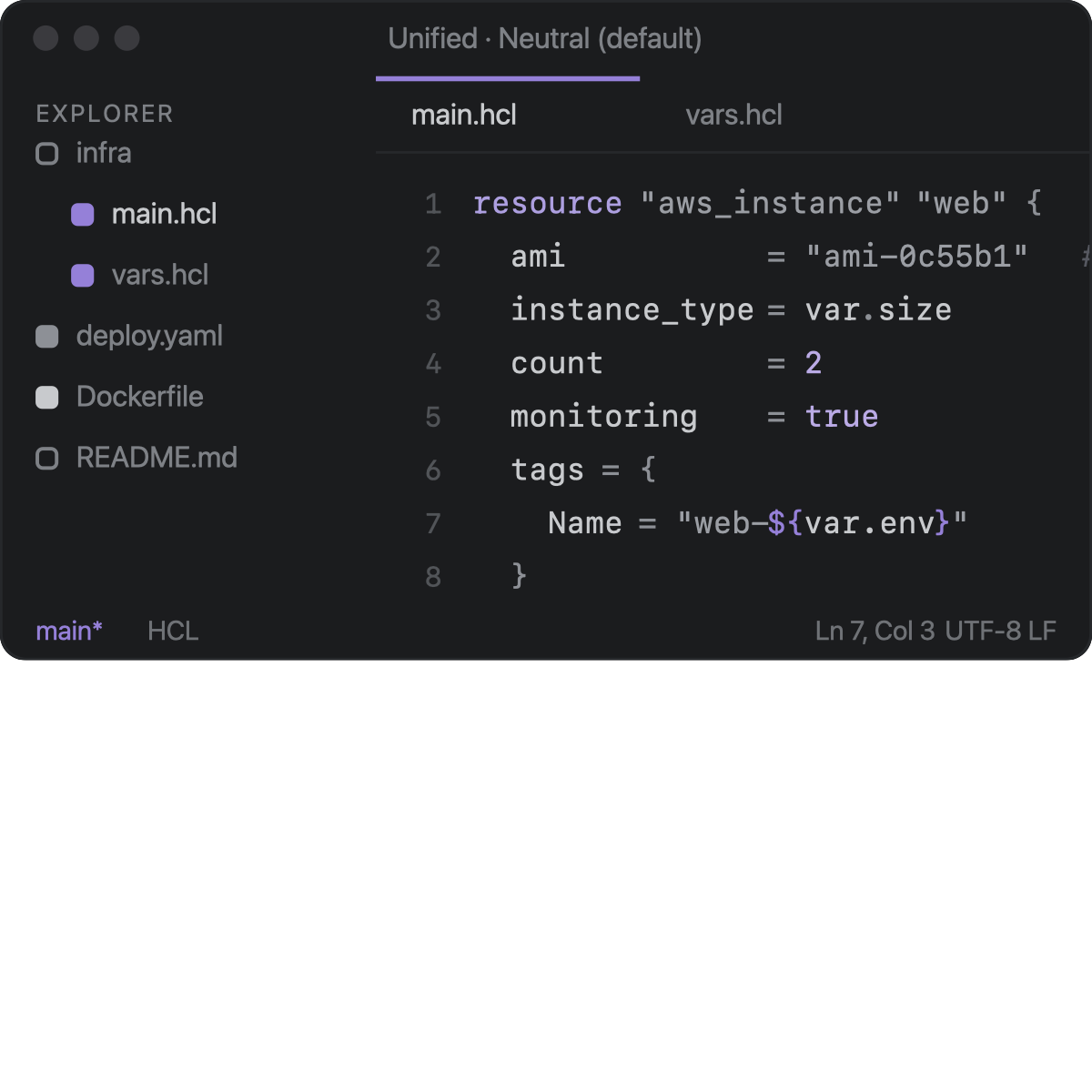
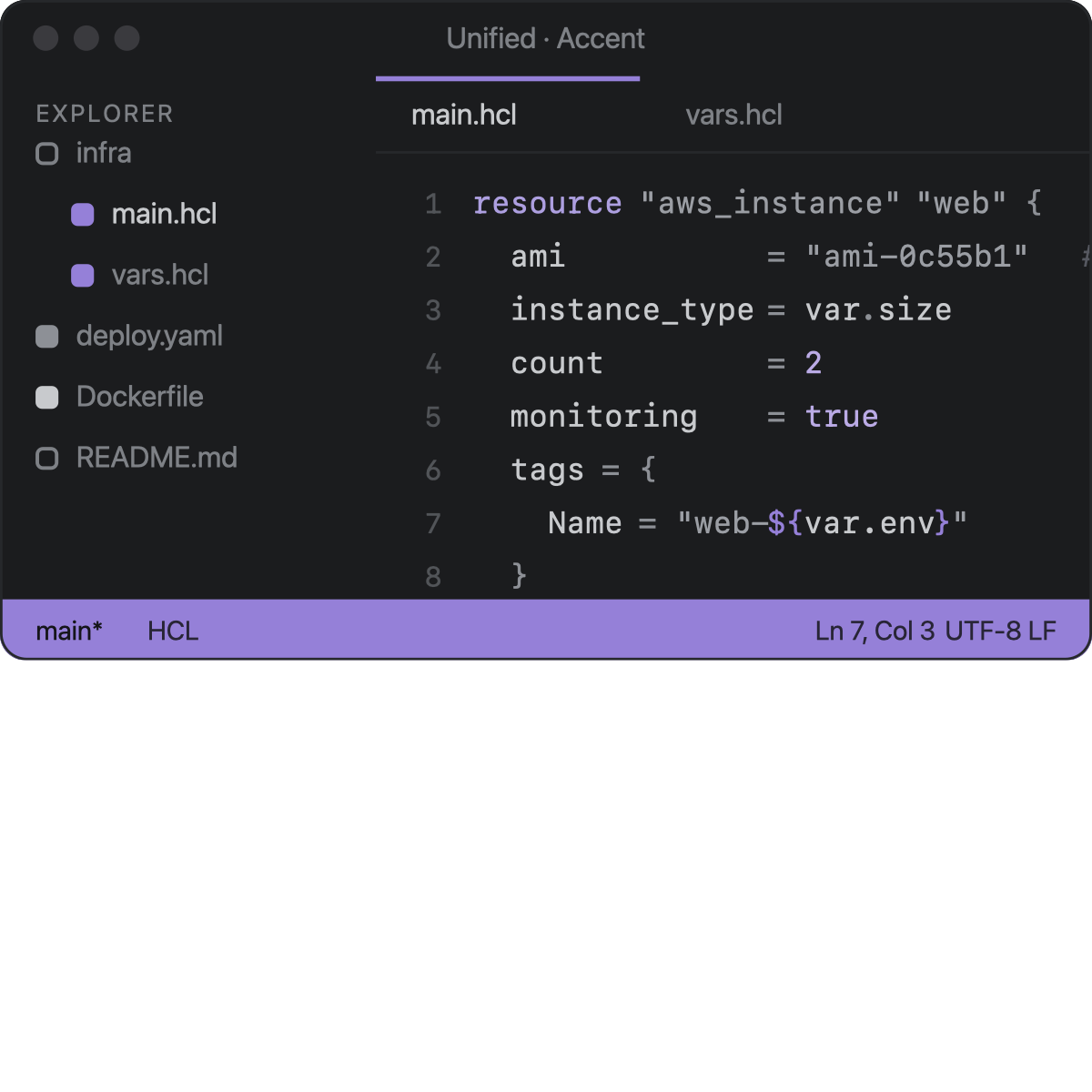
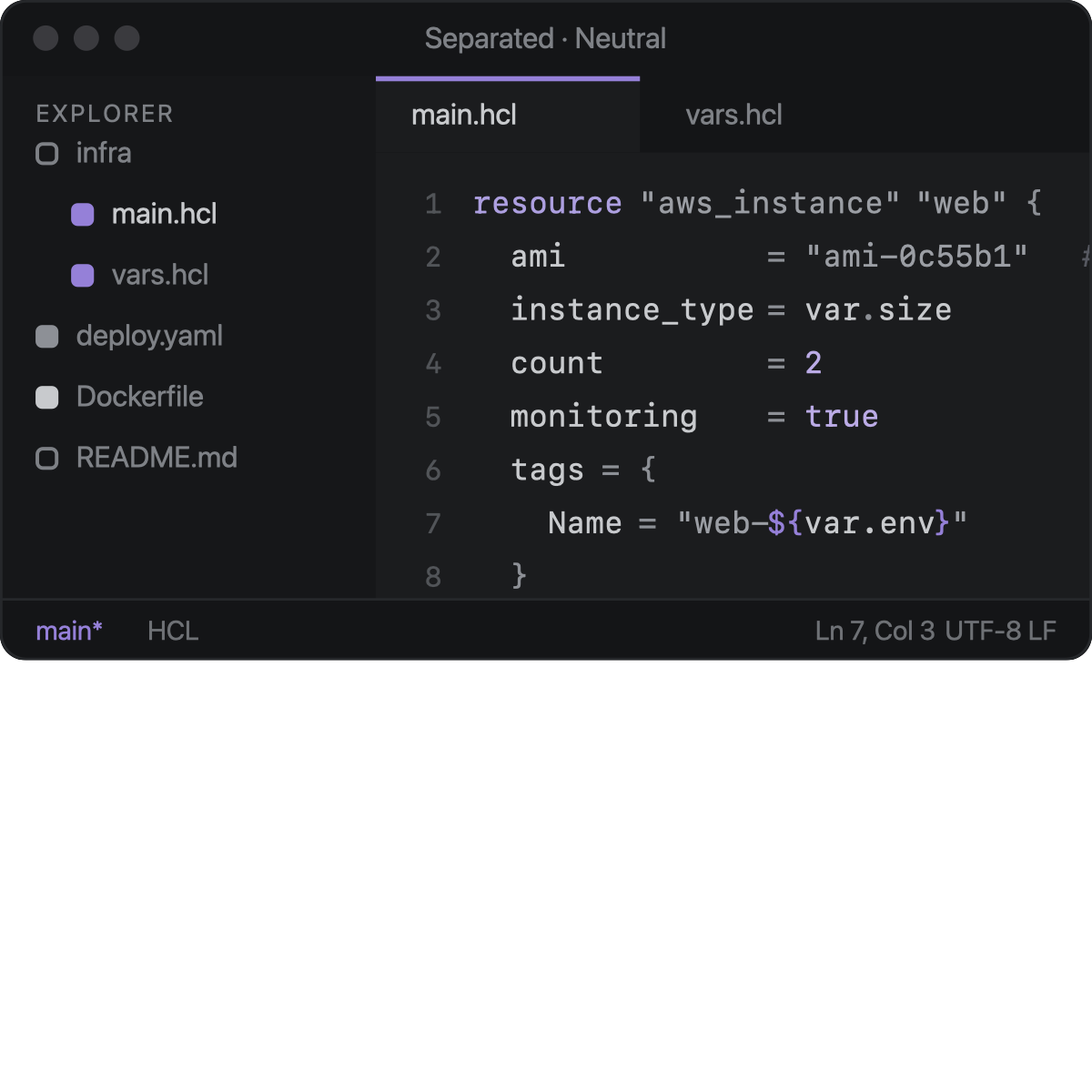
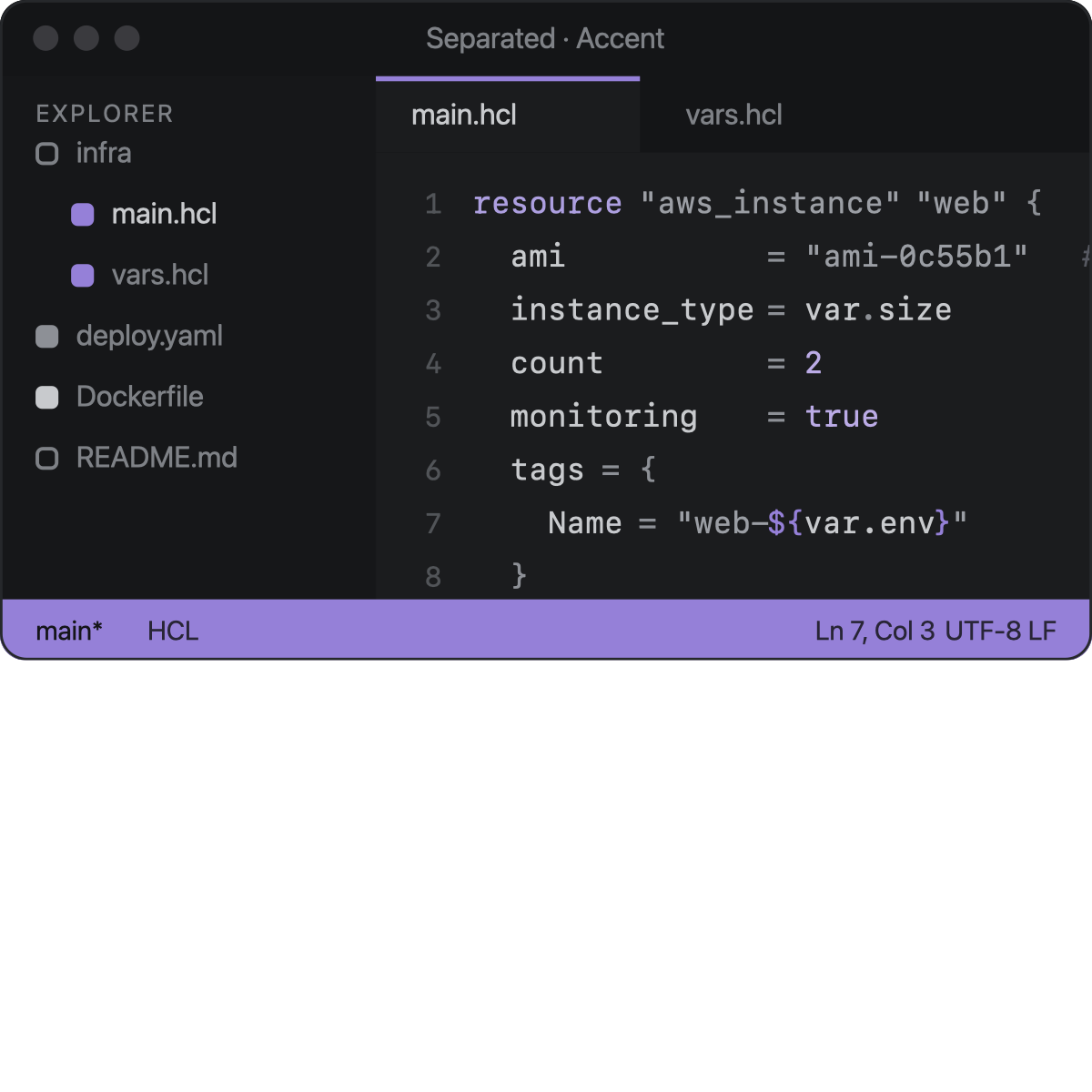
| 🔀 Style switching | Status bar neutral/accent × surfaces unified/separated — for all harp themes at once. |
No dependencies on other extensions. No external binaries (terraform is never invoked).
The engine is language-agnostic: adding a language or a theme is data-only
(see CONTRIBUTING.md).
Install
From a packaged .vsix:
code --install-extension harp-<version>.vsix
# or, from the repo:
task install-ext        # builds the .vsix and installs it
Then reload the window. Pick a theme (Cmd+K Cmd+T), pick the file icons
(Preferences: File Icon Theme → harp — minimal icons), and .hcl files
format via Format Document / format-on-save.
Formatter
The formatting core mirrors hclwrite (the engine behind terraform fmt):
template-aware tokenization, the indent stack, the canonical spacing table,
and independent alignment runs for = and trailing comments. On top of that
it applies terraform’s pure-interpolation unwrapping (x = "${var.y}" →
x = var.y, block bodies only).
# before                              # after
resource "aws_instance" "web"{        resource "aws_instance" "web" {
ami="ami-0c55b1"   # image             ami           = "ami-0c55b1" # image
  count=2                              count         = 2
  tags = merge(local.tags,{            tags = merge(local.tags, {
  Name="web-${ var.env }"                Name = "web-${var.env}"
})                                     })
} }- Indentation 2 spaces;
=and trailing comments aligned within runs. - Blank lines, CRLF and heredoc bodies preserved verbatim; comments untouched.
- Never corrupts a buffer: malformed input produces no edits.
- Parity is enforced by a golden corpus plus
npm run sweep -- DIR, a differential check of every HCL file in a directory against a liveterraform fmt(dev-time only). Current score: 0 diffs across 2100+ files from terraform-aws-modules (vpc/iam/eks/rds-aurora) and cloudposse/terraform-aws-components, plus this repo.
Not provided (yet): range/selection and on-type formatting, and the legacy
quoted type-constraint rewrite (type = "list" → list(string)).
Themes
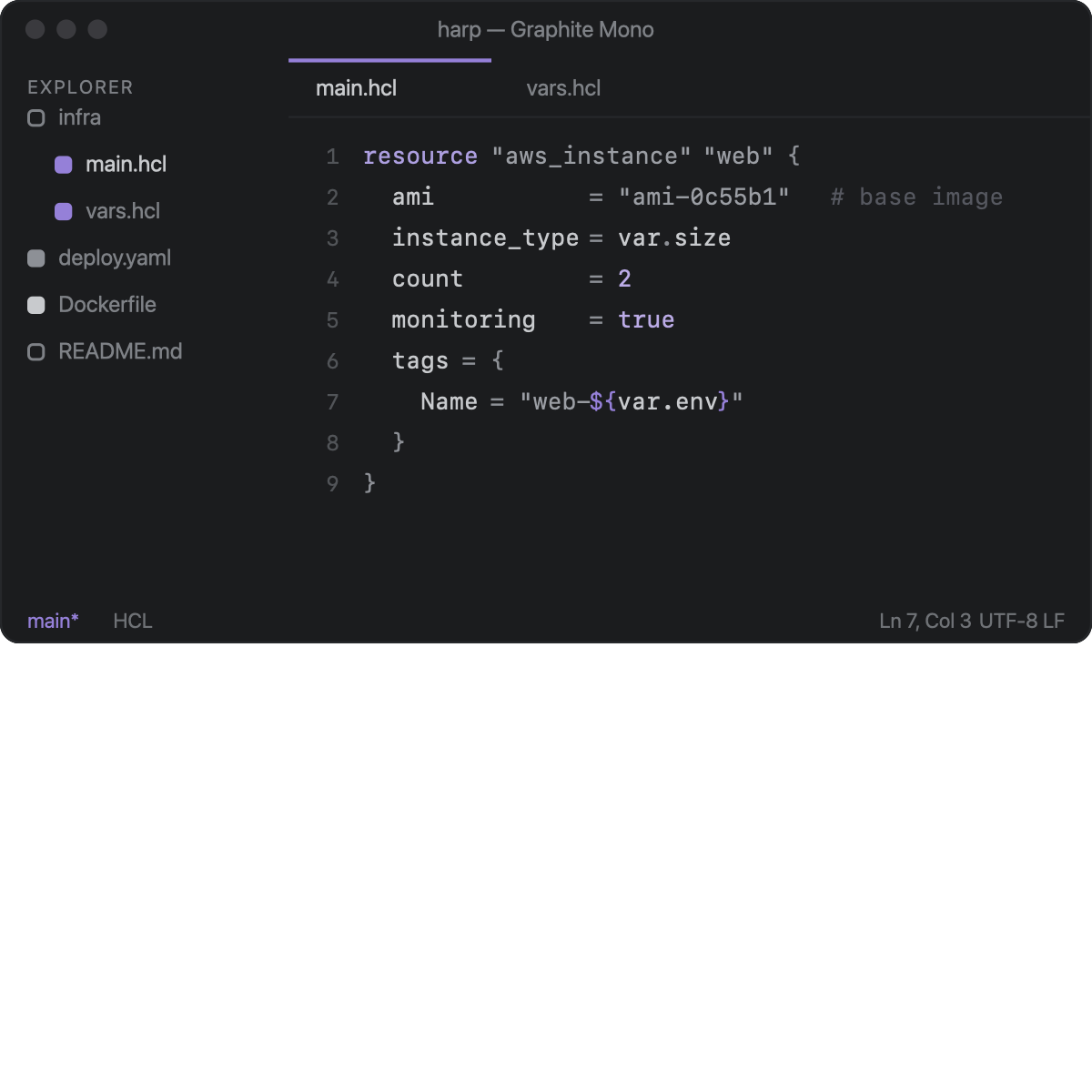
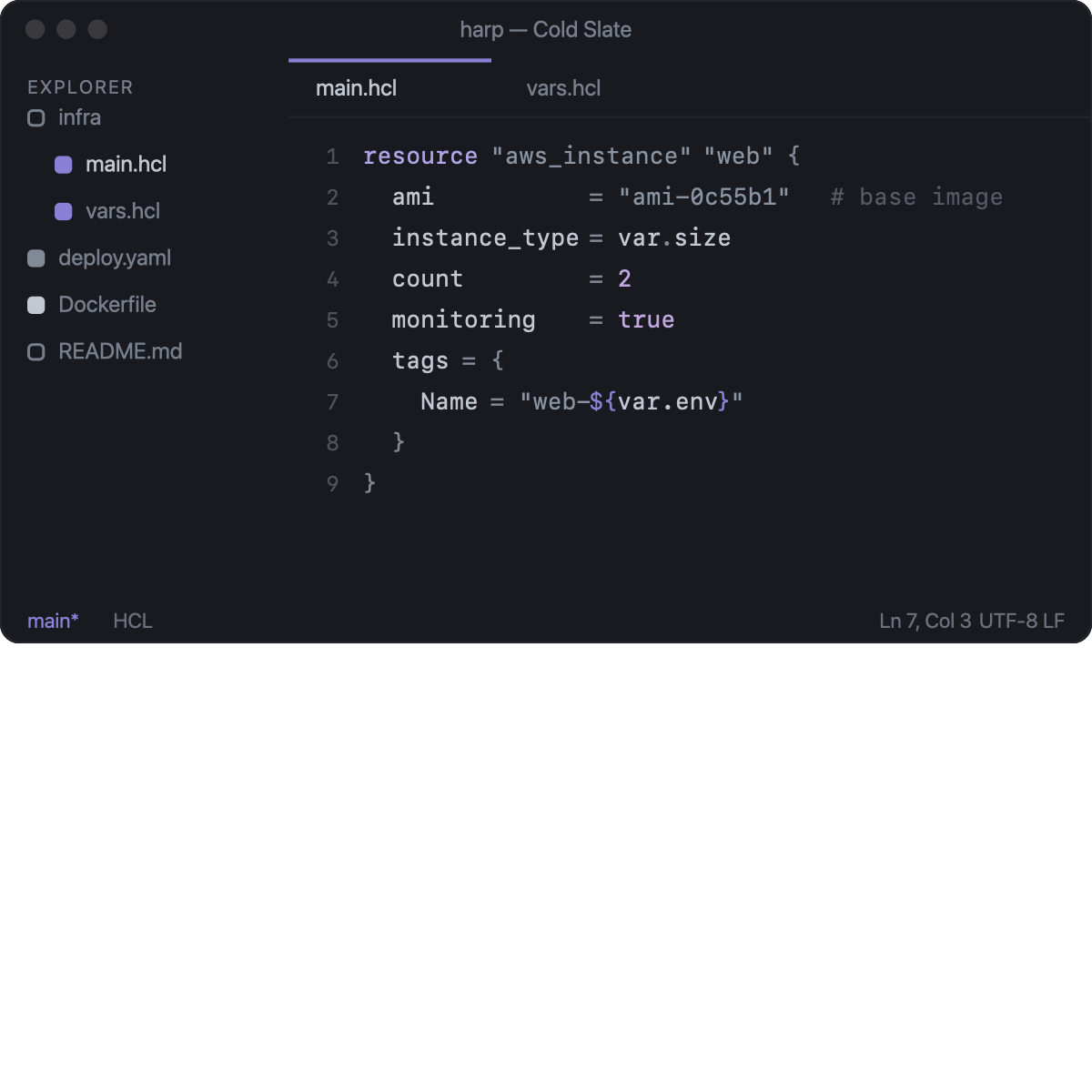
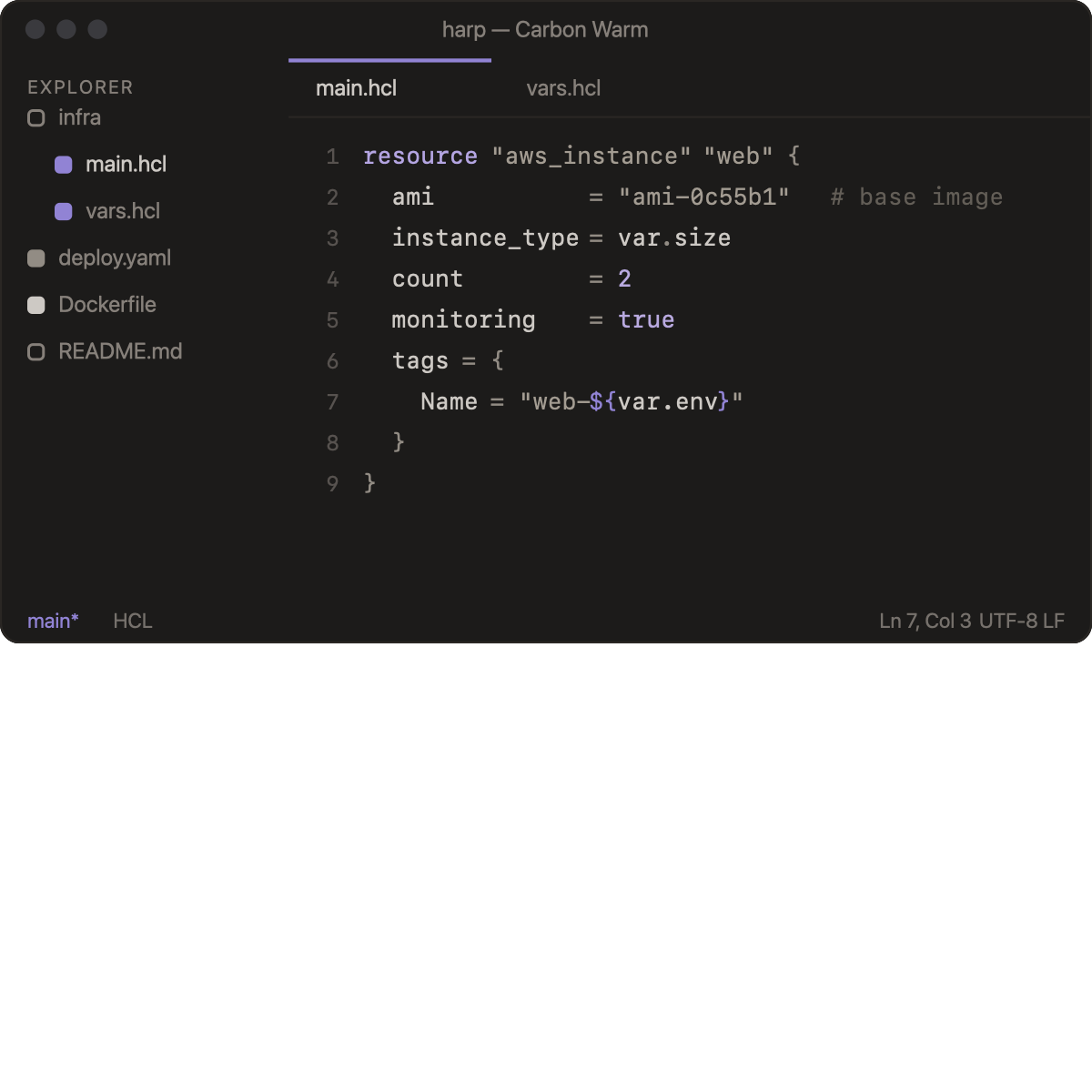
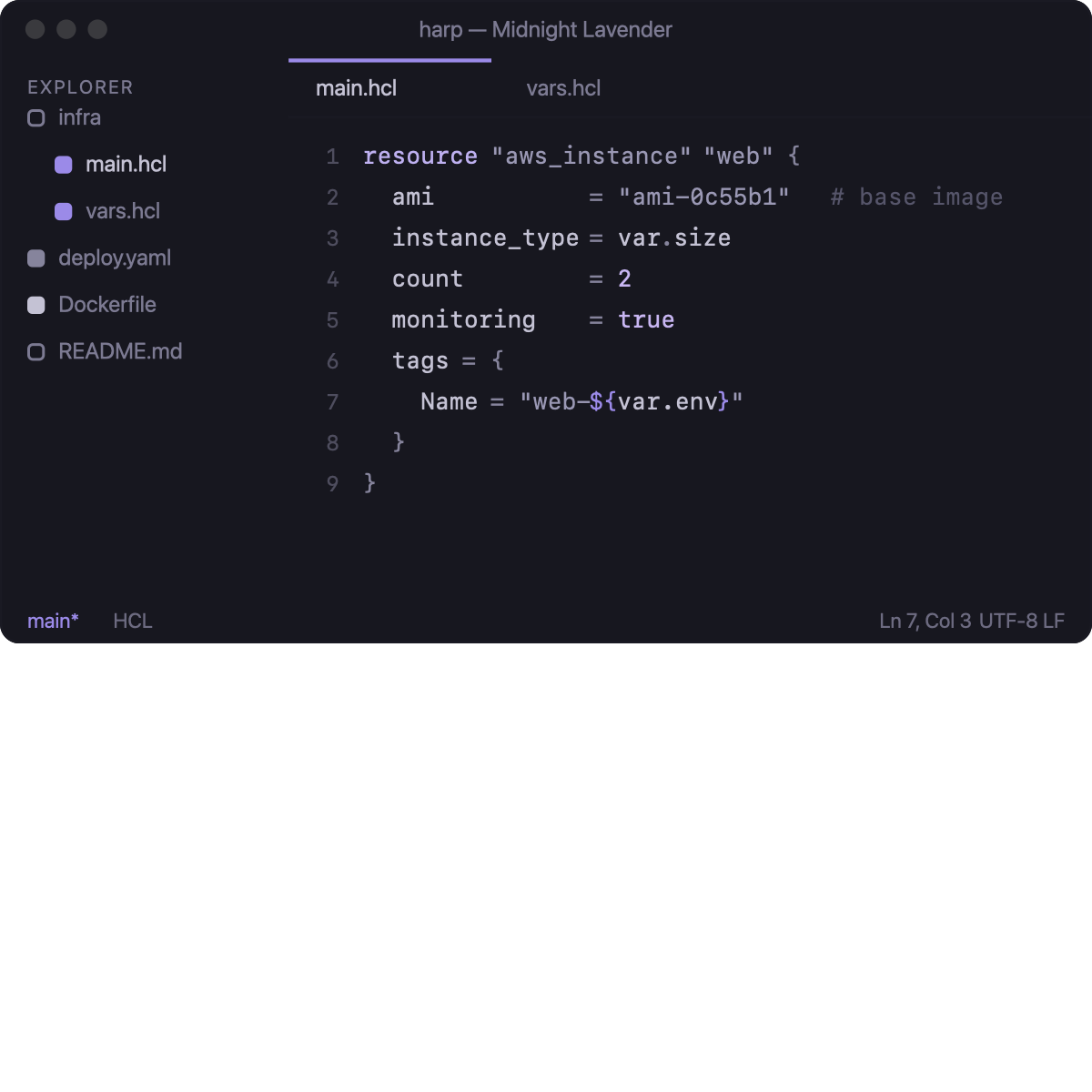
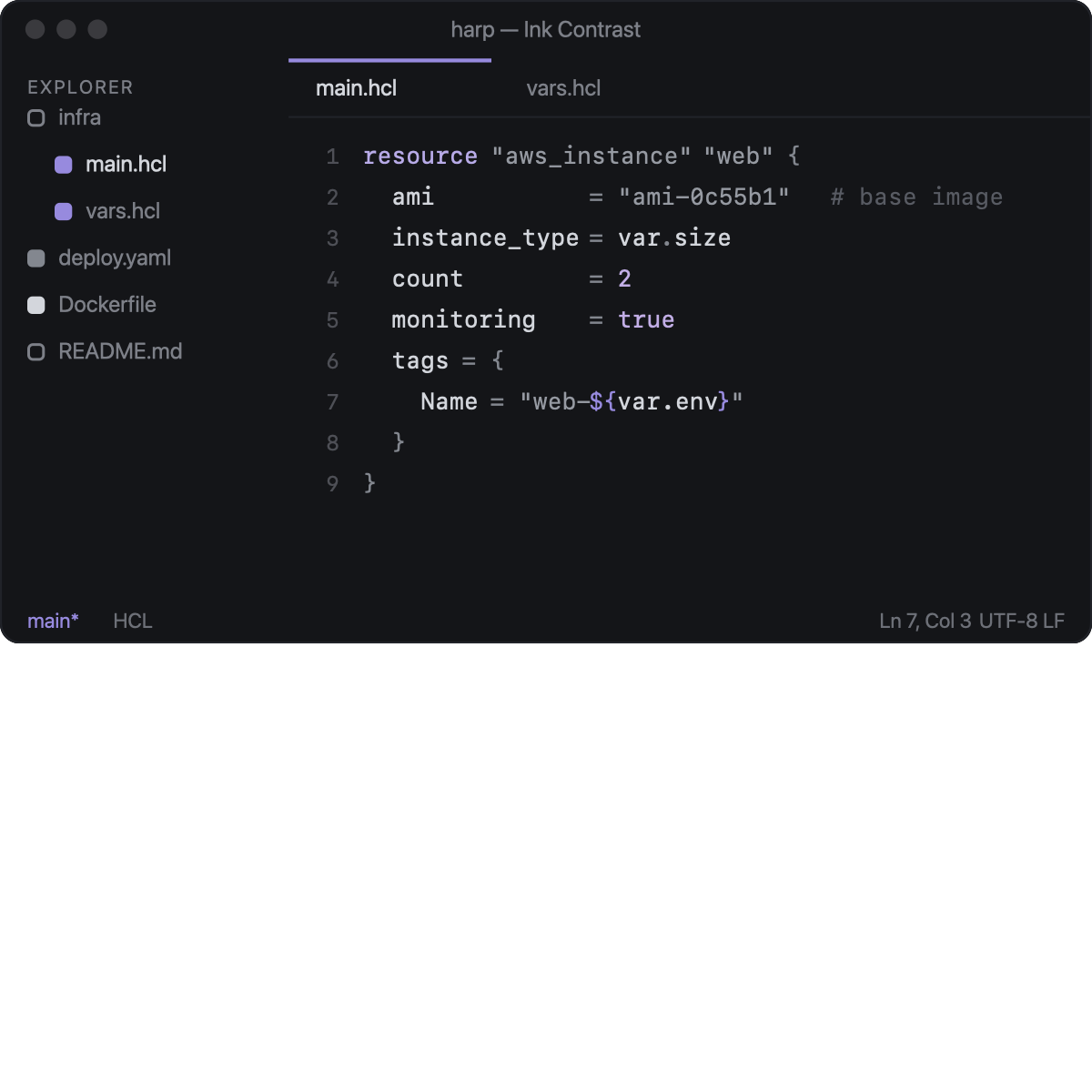
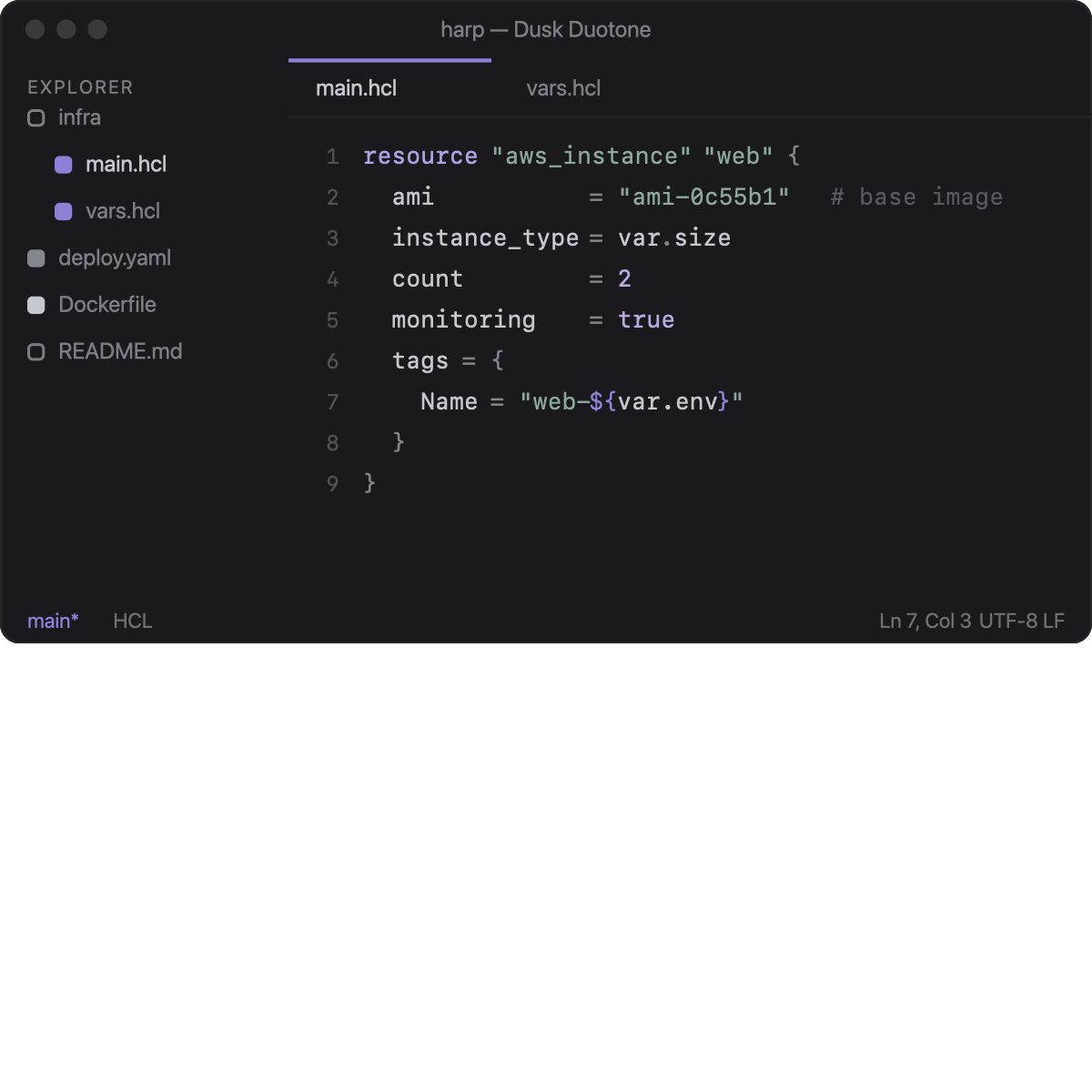
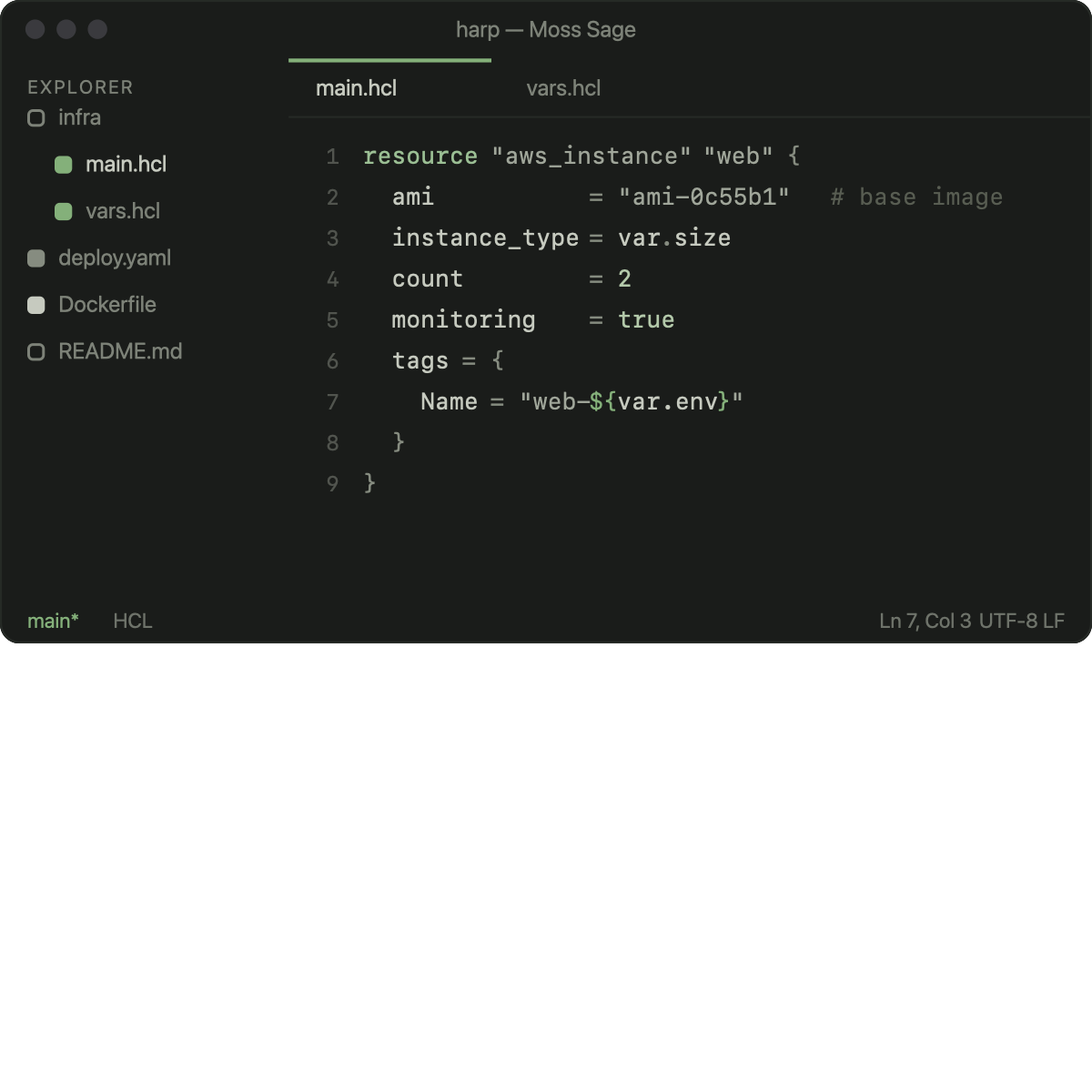
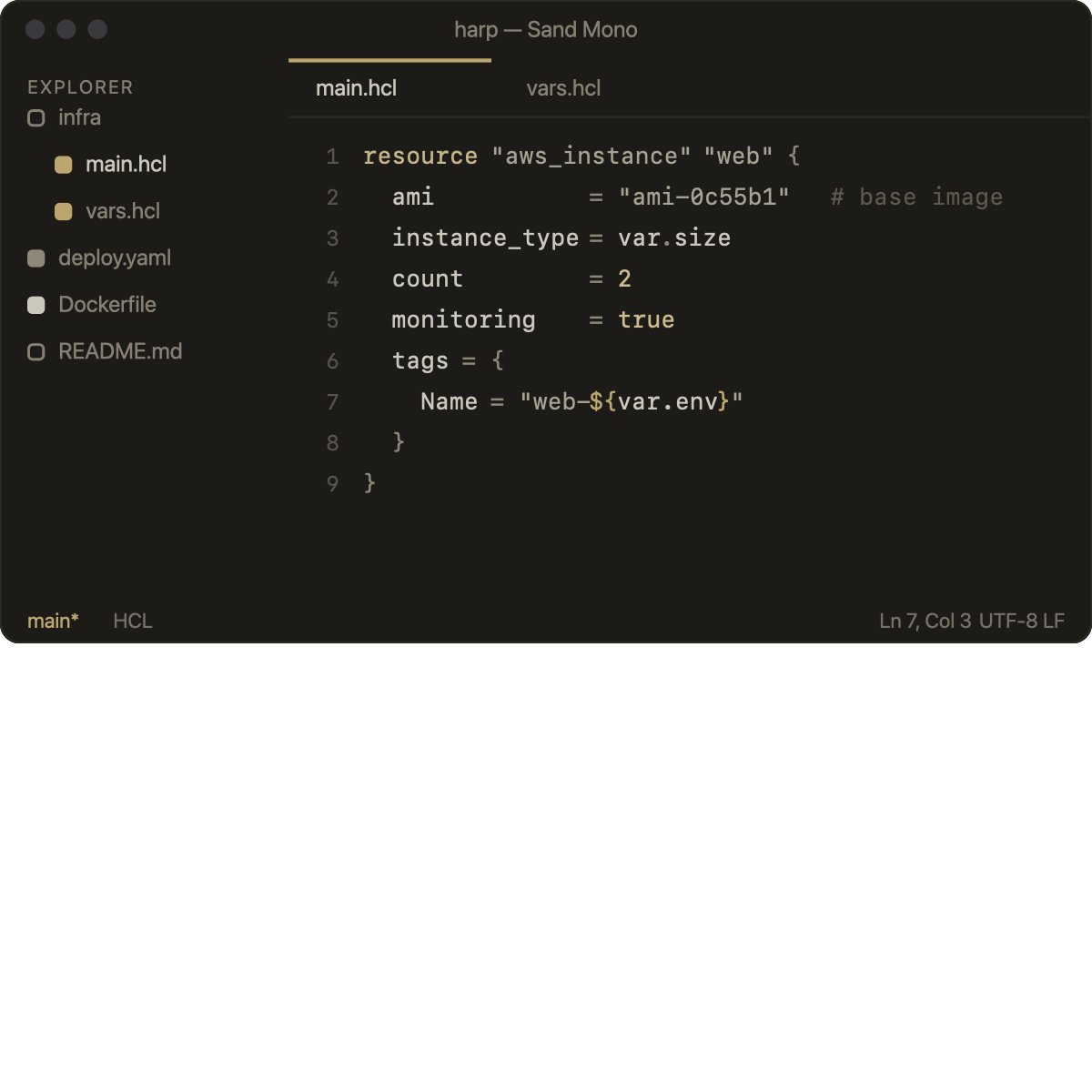
Twelve dark minimal themes. Monochrome-leaning bases, comments deliberately quiet (~2.5:1), a single accent per theme. All surfaces share the editor background by default (see style switching).
|  |
 |  |
 |  |
 | 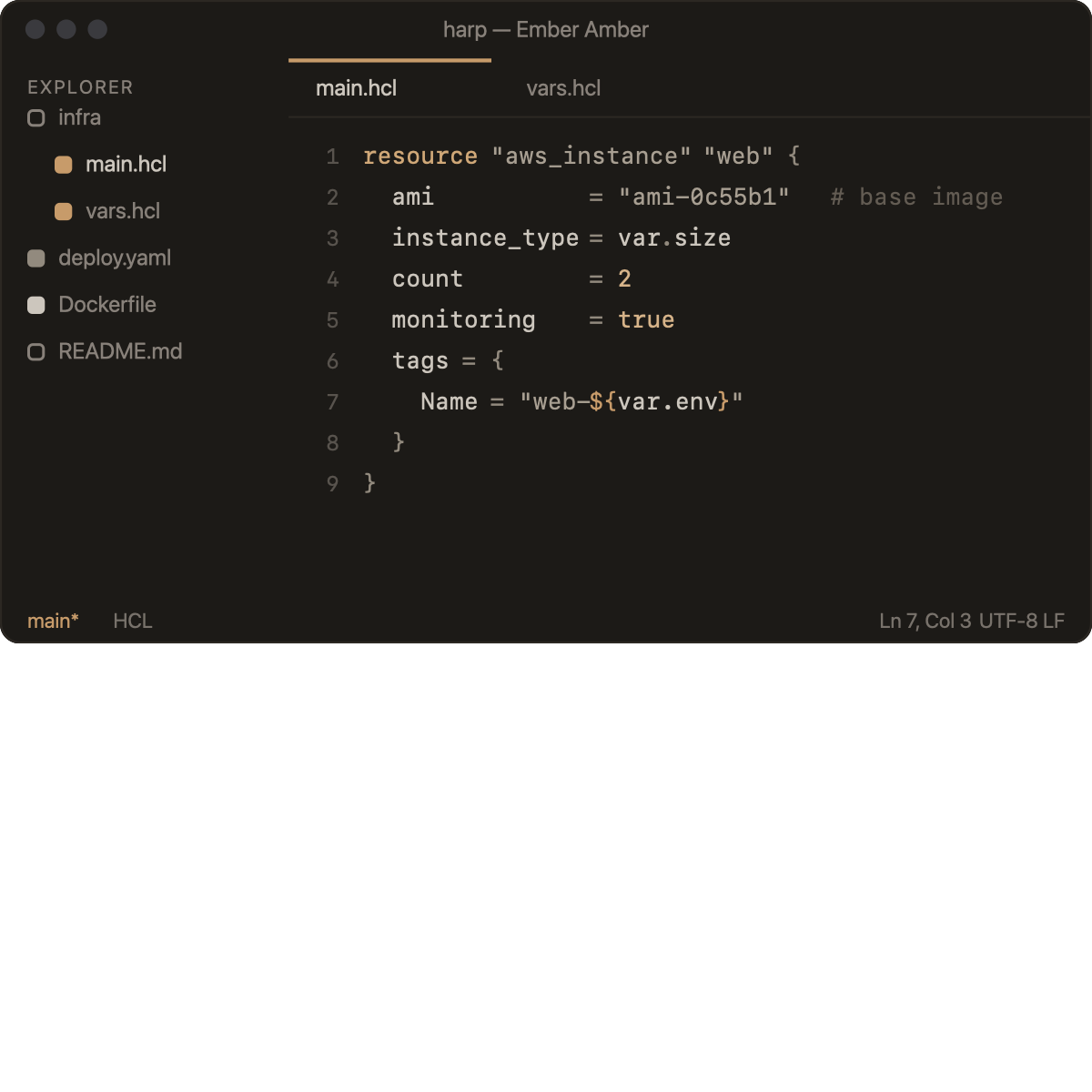 |
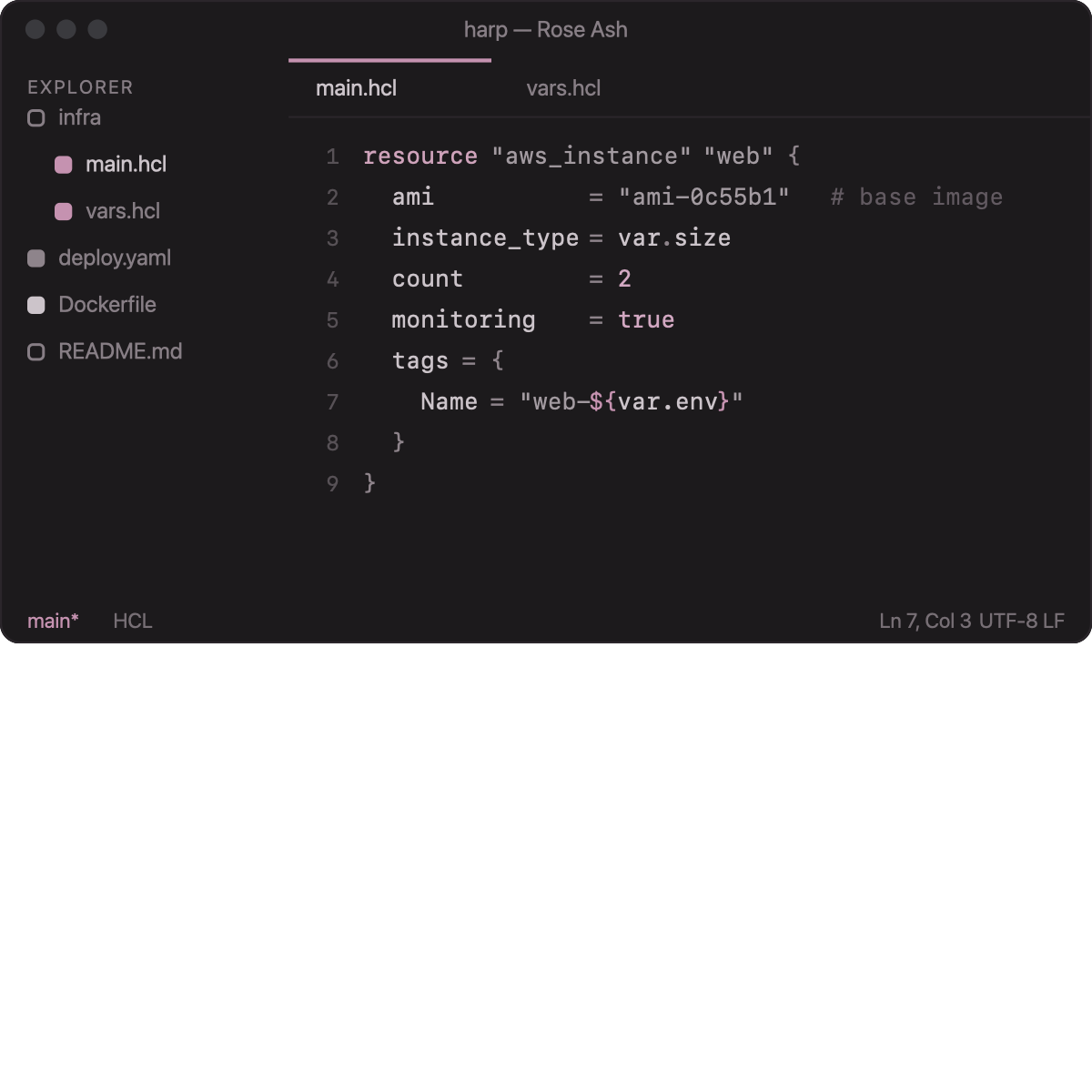 | 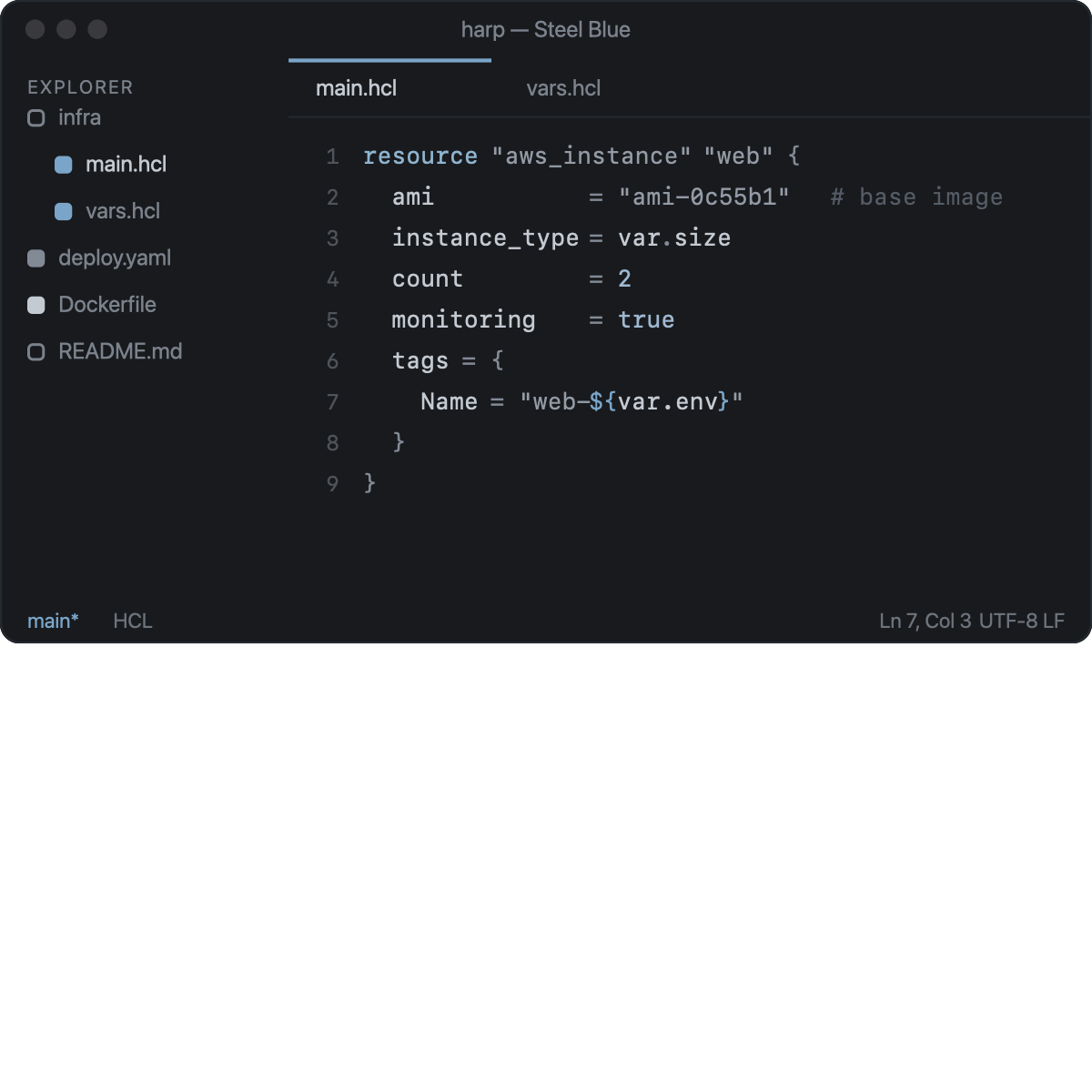 |
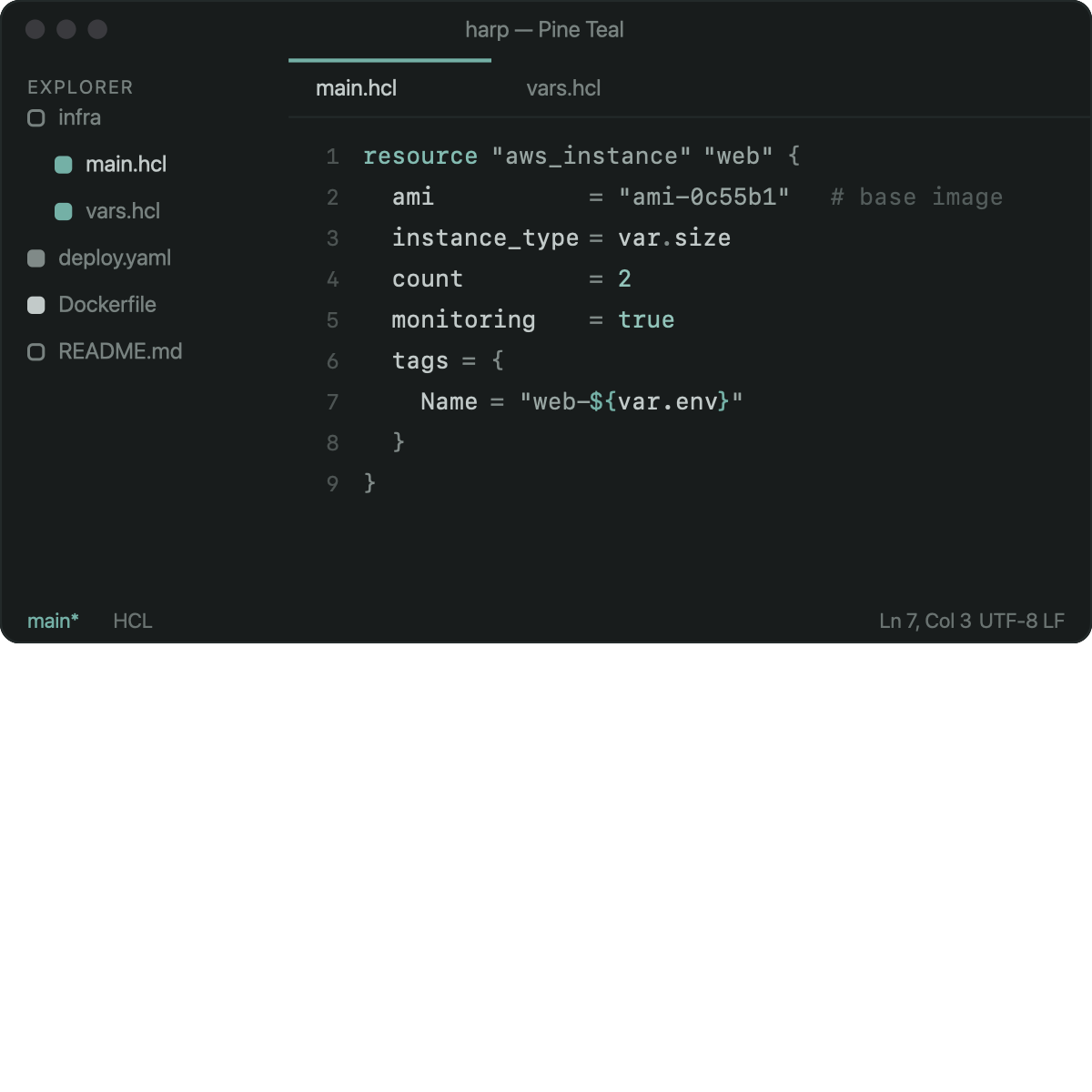 |  |
File icons
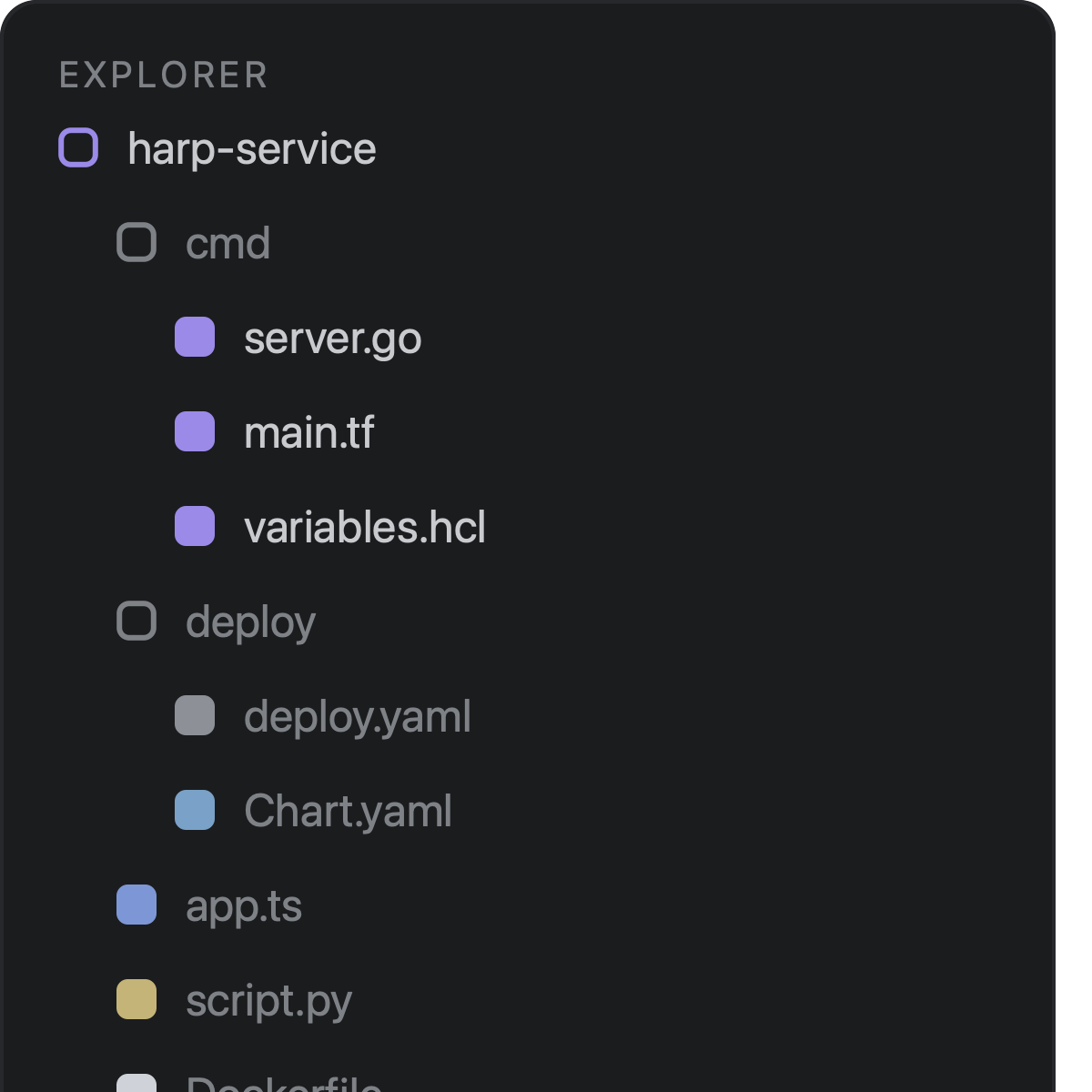
«harp — minimal icons» — one tiny rounded square per row:
- folders — outlined, dim (expanded → accent outline);
- code files — filled in a muted language hue (
.go/.tf/.hcllavender,.tsblue,.jssand,.pyochre, Docker light, …); - quiet files — outlined, dim (
README,LICENSE, locks,.gitignore, …).
~150 mappings cover the IaC/devops family — Terraform/HCL, Docker & compose, Helm, GitLab CI / Jenkins / Skaffold, Ansible, manifests — plus the usual languages. Explorer twistie arrows are hidden to match the design; folders expand on click.
Theme style switching
One command — Harp: Select Theme Style — applies one of four looks to all harp themes at once (or set the two settings directly):
 |  |
 |  |
| Setting | Values | Default |
|---|---|---|
harp.themes.statusBar | neutral · accent | neutral |
harp.themes.surfaces | unified · separated | unified |
Implementation note: VS Code has no API to restyle an installed theme at runtime, so Harp writes one
"[harp — …]"-scoped block for the active theme into the globalworkbench.colorCustomizationsand keeps it in sync on theme switches. On the defaults the block is removed entirely. Harp owns exactly those blocks; your other customizations are never touched.
Settings & commands
| Setting | Description | Default |
|---|---|---|
harp.hcl.enable | Enable the HCL formatter | true |
harp.themes.statusBar | Status bar style for harp themes | neutral |
harp.themes.surfaces | Chrome surfaces style for harp themes | unified |
Commands: Harp: Select Theme Style (status bar / surfaces).
Development
npm install
task                 # list all tasks
task check           # typecheck + lint + unit tests + grammar tests
npm test             # node:test — lexer round-trips, fmt parity corpus, themes
npm run sweep -- DIR # diff every HCL file under DIR against terraform fmt
task build-icon      # regenerate images/icon.png
npm run build-previews  # regenerate docs/previews/*.svg from the palettes
task install-ext     # build the .vsix and install it into VS Code
Architecture in one breath: a language-agnostic core/ (registry, formatting
provider, minimal-diff edits) with self-contained packs under
src/languages/<lang>/ and src/themes/; package.json contributions are
generated from the manifests (npm run sync-contributes). Adding a language
or theme never touches the core — see CONTRIBUTING.md for the recipes.
License
MIT — see the LICENSE file.